
Patients who undergo medical tests at government hospitals in West Bengal can now easily check their diagnostic reports online. Instead of visiting the hospital again to collect printed reports, patients can view and download their test results directly from the official WB Health hospital management portal.
The West Bengal Health Department provides this facility through the official website wbhealth.gov.in, which connects to the hospital management system available at onlinehmis.wbhealth.gov.in. This portal allows patients to access OPD booking services as well as download laboratory reports.
If you select the “Online Test Report” option on the portal, you will be redirected to the Test Result Print page, where patients can enter their details and retrieve their reports instantly.
This guide explains the complete process of checking and downloading WB Health test reports online, including the required details and how to use the report portal correctly.
What is the WB Health Online Test Report System?
The WB Health Online Test Report system is part of the digital hospital management platform used by government hospitals in West Bengal.
Through this system, patients can:
- Check laboratory investigation results
- Download medical test reports
- Print diagnostic reports
- Access reports from home without visiting the hospital
This online system helps patients save time and makes healthcare services more accessible.
Official Portal to Check WB Health Test Reports
Patients can access their test results through the official government portals.
| Service | Official Website |
|---|---|
| West Bengal Health Department | https://wbhealth.gov.in/ |
| Hospital Management Portal | https://onlinehmis.wbhealth.gov.in/ |
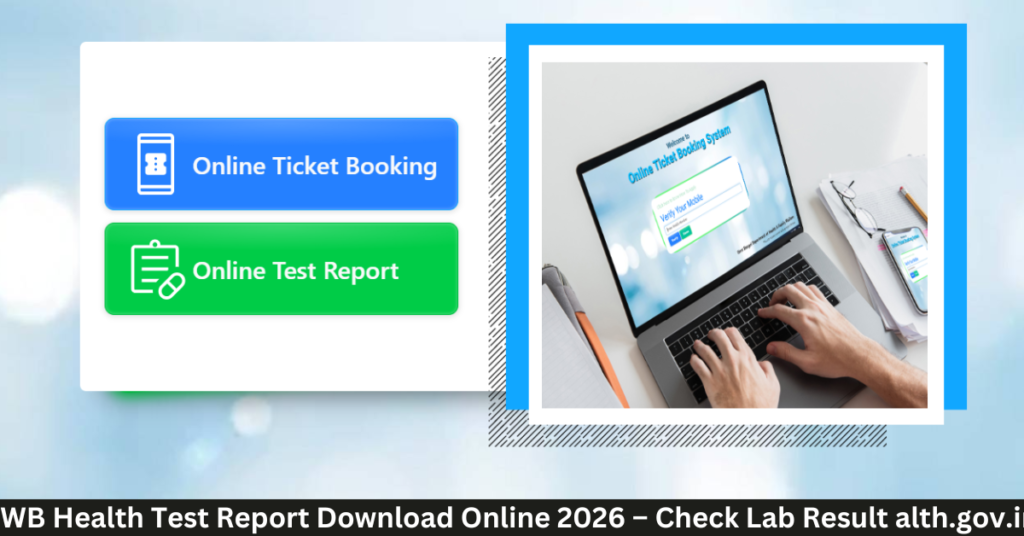
When you open the portal, you will see two options:
- Online Ticket Booking
- Online Test Report
To view medical reports, select the Online Test Report option.
Test Report Print Page Interface
After clicking the Online Test Report option, the system opens the Test Result Print page.
On this page, patients must enter specific information to retrieve their report.
The portal requires the following details.
| Field | Description |
|---|---|
| Mobile Number | The phone number used during hospital registration |
| Patient ID / Registration Number | Unique patient registration number provided by the hospital |
| Date (Registration On) | The date when the patient registered at the hospital |
| Name | Patient’s name for identification |
| Gender | Patient gender |
| Age | Patient age |
Once these details are entered correctly, patients can click the “Get Data” button to retrieve the test report.
How to Download WB Health Test Report Online
Follow these steps to check your medical report through the portal.
Step 1 – Visit the official website
Open the West Bengal Health Department website
https://wbhealth.gov.in
Step 2 – Access the hospital portal
Navigate to the hospital services section and open the portal
https://onlinehmis.wbhealth.gov.in
Step 3 – Select Online Test Report
On the portal homepage, click the Online Test Report option.
Step 4 – Enter patient information
Fill in the required details such as:
- Mobile Number
- Patient ID / Registration Number
- Registration Date
- Patient Name
- Gender
- Age
Step 5 – Click “Get Data”
After entering the details correctly, click the Get Data button.
Step 6 – View and download report
The system will display the available test reports. Patients can then view, download, or print the report.
Details Required to Access the Test Report
To retrieve your laboratory report successfully, make sure you have the following information ready.
| Required Detail | Why It Is Needed |
|---|---|
| Mobile Number | Verifies patient identity |
| Patient ID / Registration Number | Connects report with hospital record |
| Registration Date | Helps locate the correct report |
| Patient Name | Confirms patient information |
Entering accurate details ensures that the correct report is retrieved.
Types of Reports Available on the Portal
Depending on the tests conducted at the hospital laboratory, the portal may provide access to different types of diagnostic reports.
Common reports include:
- Blood test reports
- Urine test reports
- Pathology reports
- Biochemistry test reports
- Diagnostic screening reports
The availability of reports depends on laboratory processing time.
Benefits of WB Health Online Test Report System
The digital report system offers several advantages for patients.
| Benefit | Description |
|---|---|
| No need to revisit hospital | Reports can be checked from home |
| Fast access to results | Patients receive reports quickly |
| Easy record keeping | Reports can be saved digitally |
| Easy sharing with doctors | Reports can be shared online |
This system improves convenience and helps patients manage their medical records more efficiently.
What to Do If Your Test Report Is Not Found
Sometimes patients may not see their reports immediately.
Possible reasons include:
- Laboratory processing is still ongoing
- Incorrect details were entered
- Report has not yet been uploaded to the portal
If this happens, patients should wait for some time and try again later.
If the issue continues, it is recommended to contact the hospital laboratory.
Tips for Accessing Test Reports Successfully
Patients can follow these tips to access reports easily.
| Tip | Benefit |
|---|---|
| Keep patient ID ready | Helps retrieve report faster |
| Enter correct registration date | Prevents search errors |
| Check internet connection | Ensures portal loads properly |
| Download report immediately | Avoids losing access later |
These steps help ensure a smooth experience while using the portal.
Frequently Asked Questions
Can I download WB Health test reports on mobile?
Yes. The portal works on smartphones, tablets, and computers.
Is downloading the test report free?
Yes. Viewing and downloading reports from the portal is completely free.
When will my report appear online?
Reports are usually uploaded after the laboratory completes the test analysis.
Can I print the medical report?
Yes. Patients can download the report in PDF format and print it if required.
Conclusion
The WB Health online test report system allows patients to access their diagnostic reports quickly and conveniently through the hospital management portal. By entering the required patient details on the Test Result Print page, users can easily retrieve and download their reports.
This digital service helps patients save time, reduces hospital visits, and makes it easier to manage medical records from home.
Pingback: WB Health Patient ID Explained 2026 – What It Is, Where to Find & How to Use - WB OPD Ticket